
KKHSOU Student Login: Enrolment Number, ABC ID and DEB ID
Students accessing the KKHSOU student portal for the July 2026 admission session (Semester I) can log in using their registered mobile number and password. The university provides an online portal to check ABC ID details. As of 02 October 2026, KKHSOU has not published specific online lookup procedures for DEB ID retrieval.
Key facts
| Admission Session | July 2026 (Semester I) |
|---|---|
| Student Login Fields | Mobile Number & Password |
| Admission Support Email | admission@kkhsou.in |
| University DEC Recognition Date | 03/10/2007 |
| UGC Section 22 Empowerment Date | 18/03/2009 |
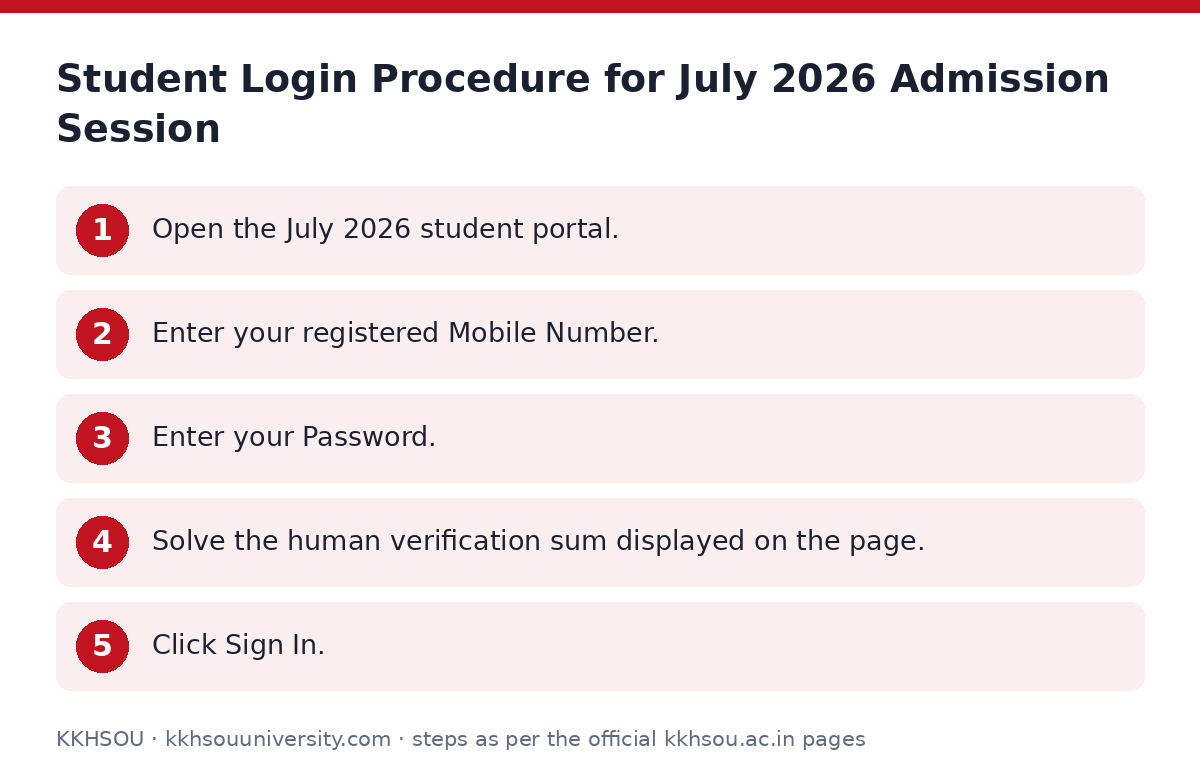
Student Login Procedure for July 2026 Admission Session
Applicants and learners accessing the student portal for the July 2026 admission session (Semester I) must sign in using their registered credentials. New applicants must register an account before logging in.
- Open the July 2026 student portal.
- Enter your registered Mobile Number.
- Enter your Password.
- Solve the human verification sum displayed on the page.
- Click Sign In.
ABC ID and DEB ID Details
Students can check or update their Academic Bank of Credits (ABC) ID using the dedicated university system.
KKHSOU has not published procedures or lookup portals for DEB ID or enrolment number login management on its site as of 02 October 2026.
- Access the ABC ID update system portal to verify your ABC ID details.
- For login issues or enrolment support, email the university at admission@kkhsou.in.
E-Office Login Portal for University Staff
The KKHSOU E-Office portal is designated strictly for university staff members and does not serve as a learner account portal.
- Go to the KKHSOU E-Office login page.
- Enter your official Email address and Password, or click Sign in with Google.
- Click Sign In.
- First-time users or those resetting credentials must click Forgot Password?, enter their email, receive an OTP, and complete the password update.
Important KKHSOU links
| What you can do | Official page |
|---|---|
| access July 2026 student login portal | lmskkhsou.in/adm/public/2026jul/login |
| access staff E-Office sign in page | eservices.kkhsou.ac.in |
| open ABC ID update system portal | lmskkhsou.in/eservices/abc_id_update_system/index.php |
Frequently asked questions
How do I log in to the KKHSOU student portal?
To log in for the July 2026 admission session (Semester I), go to the student portal, enter your registered mobile number and password, complete the human verification math problem, and click Sign In.
What credentials are needed for KKHSOU student portal sign in?
You need your registered Mobile Number, account Password, and the answer to the on-screen math verification sum.
Who do I contact if I have trouble logging into the admission portal?
You can send an email to admission@kkhsou.in for assistance with student admission portal sign-in problems.
How can I check my ABC ID with KKHSOU?
You can check or update your Academic Bank of Credits ID through the dedicated KKHSOU ABC ID update portal.
Where can I find my DEB ID details on the KKHSOU website?
KKHSOU has not published specific instructions or lookup tools for DEB ID on its website as of 02 October 2026.
Can students use the KKHSOU E-Office login portal?
No, the E-Office portal is reserved exclusively for KKHSOU staff members using official university email accounts.
Sources
Written from the official KKHSOU pages and documents below, as read on 2 October 2026.
- Krishna Kanta Handiqui State Open University kkhsou.ac.in
- Apply Now lmskkhsou.in/…/login
- Employee Login eservices.kkhsou.ac.in